Case Study
AIxDisability
UX + accessibility work for an inclusive AI literacy hub supporting disabled youth and educators.
Overview
AIxDisability is a nonprofit organization ensuring disabled people are not excluded or harmed by the rapid advancement of artificial intelligence. The work centers disability rights, lived experience, and advocacy to promote equitable AI education and accountability.
As a UX intern, I helped design and structure an accessible AI literacy hub so disabled youth and educators can engage with AI on their own terms.
The problem
Despite the rapid growth of AI, many educational resources are not designed with disabled learners in mind. They are often overly technical, inaccessible to assistive technologies, and missing perspectives from the disability community—creating barriers to entry for students who deserve to understand and shape the future of AI.
Create an accessible, inclusive AI literacy hub that empowers disabled youth and educators to engage with AI.
Research
Accessibility & UX research
- Audited existing AI learning platforms to identify accessibility gaps.
- Noted missing alt text, captions, screen reader support, and logical tab order.
- Reviewed WCAG 2.1 AA and Section 508 to ground decisions in standards.
- Consulted mentors at Tech Kids Unlimited (TKU) to understand user needs.
Content research
- Wrote beginner-friendly definitions of core AI concepts (bias, ML, neural nets).
- Included statistics on disability representation in tech and AI impacts.
- Curated credible resources on ethical AI, digital equity, and disability justice.
- Prioritized plain language and visual clarity for broad accessibility.
Solution
I defined AIxDisability as a centralized hub to:
- Curate accessible AI resources (articles, podcasts, courses).
- Amplify disabled voices in tech and AI.
- Support a scalable structure as content grows.
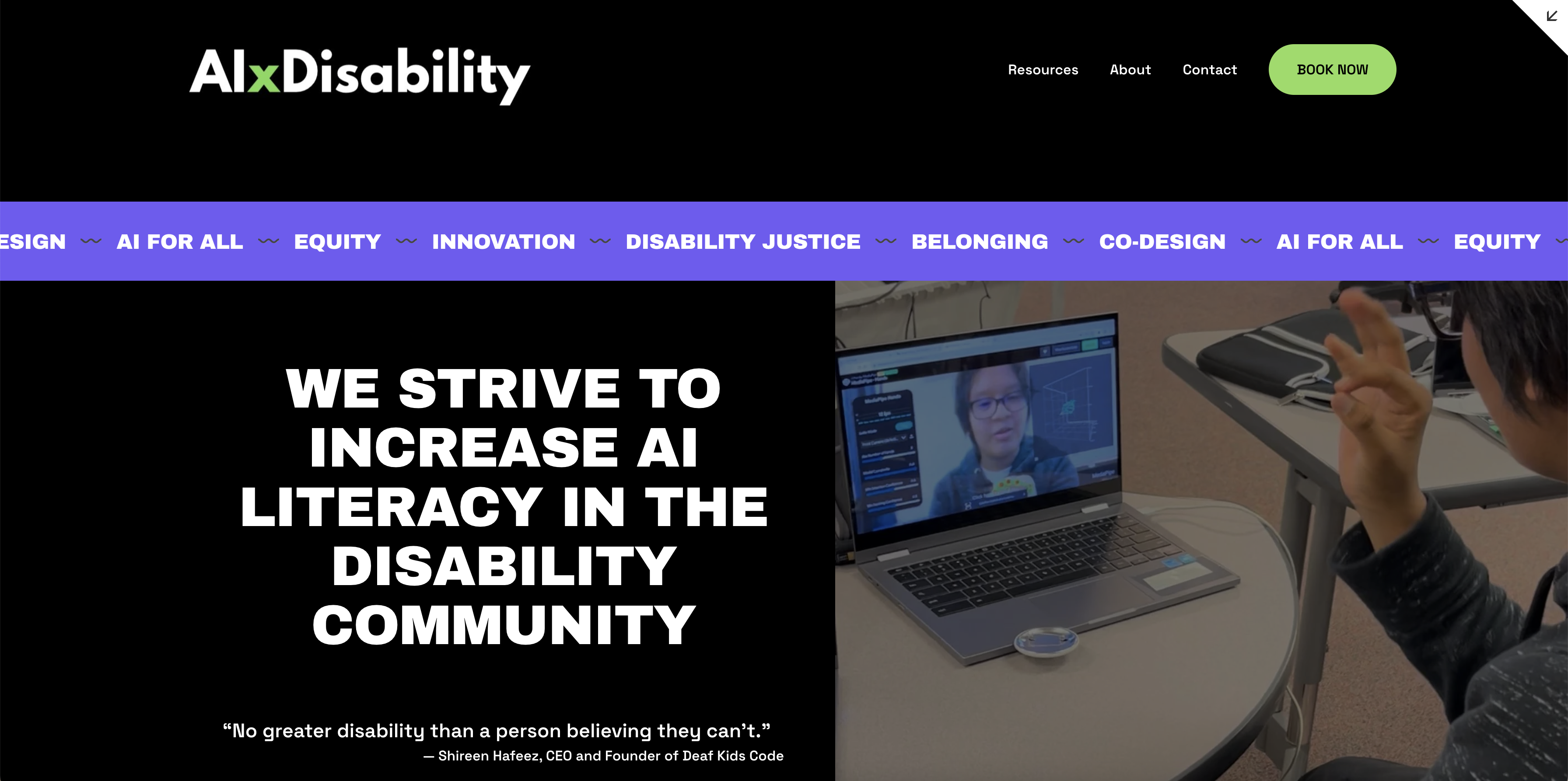
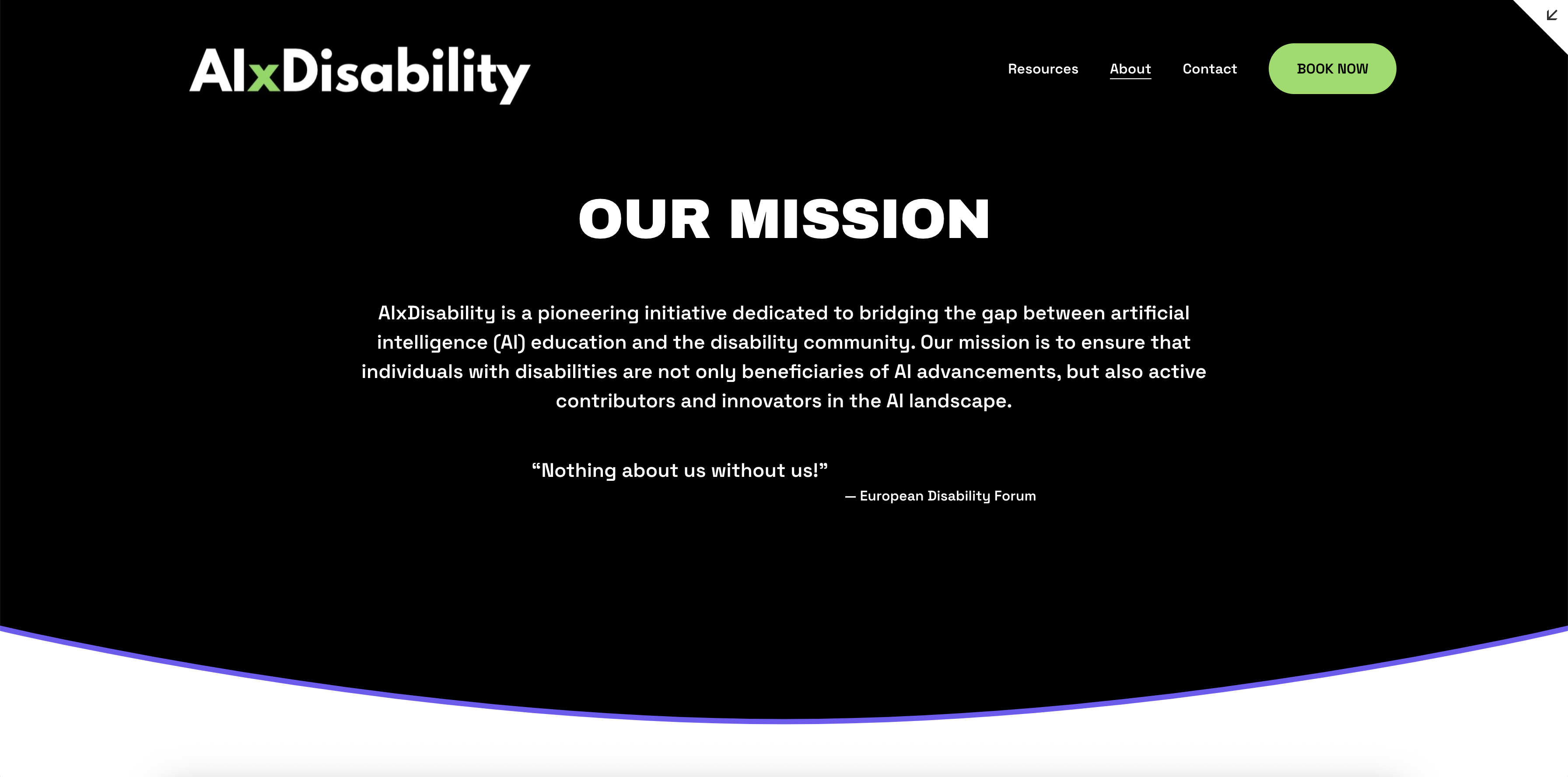
I sketched an information architecture to support categories such as Resources, About, Contact, and Coalition, and designed navigation to prioritize clarity and keyboard-based interaction.
Youth with physical, cognitive, or sensory disabilities; educators who need reliable accessible content; and users who benefit from predictable navigation, plain language, and strong visual hierarchy.
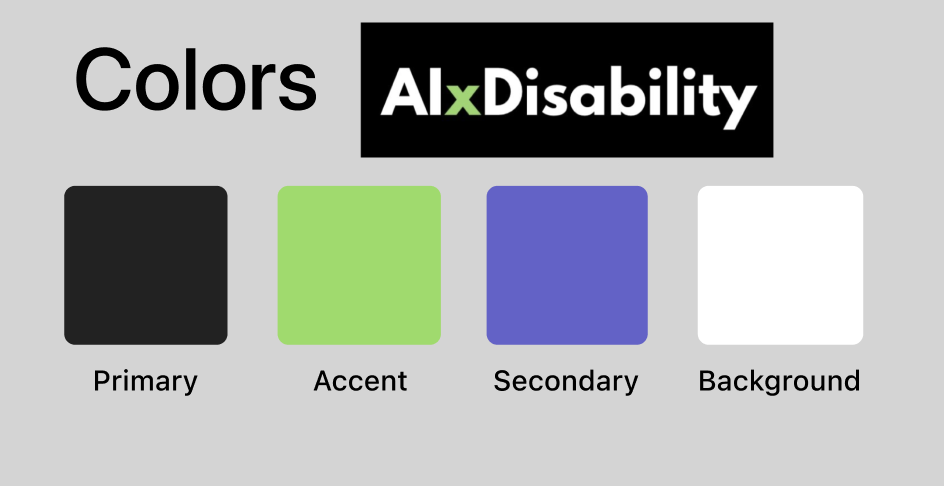
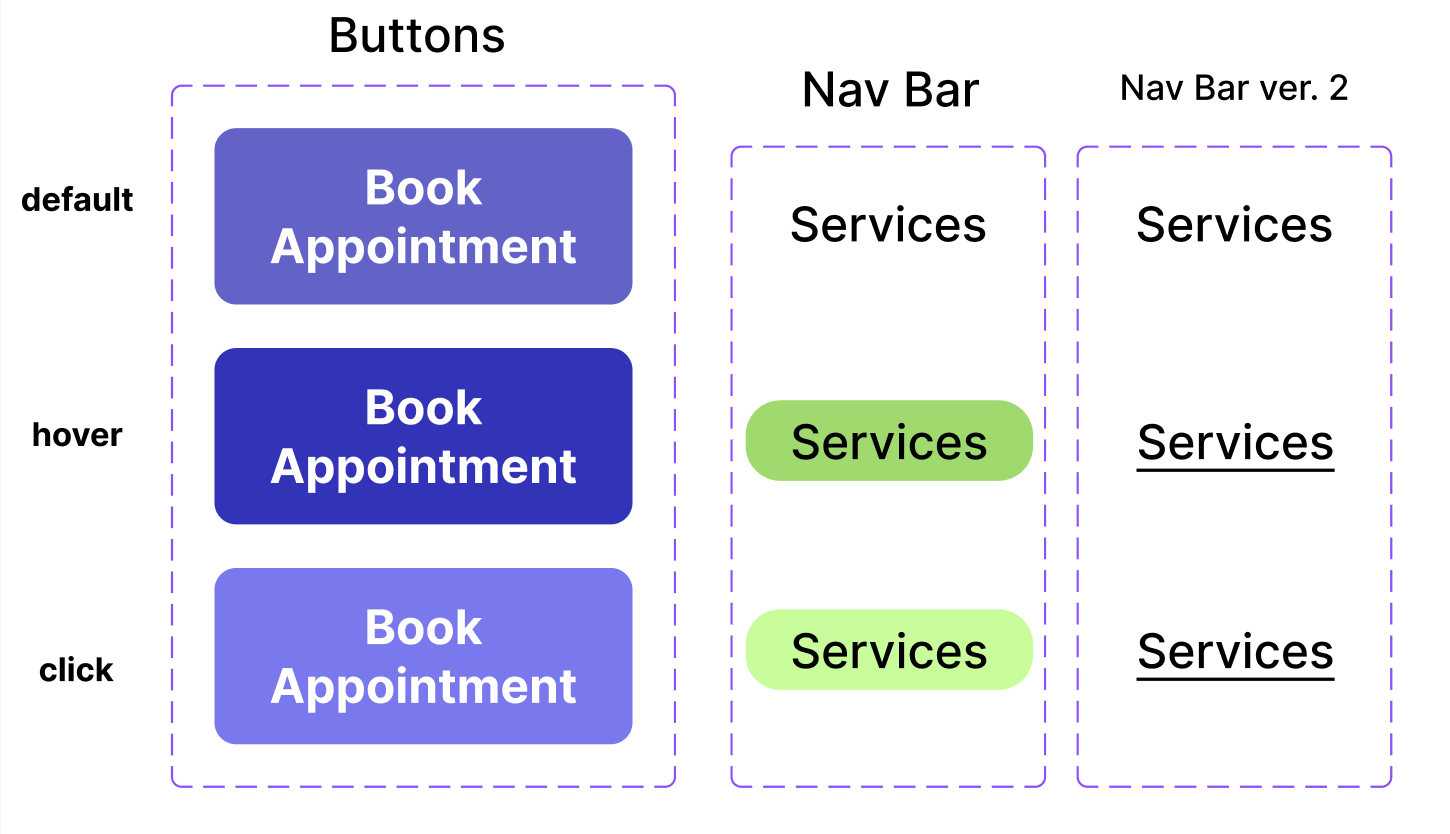
Design system
- Accessible color contrast standards
- Clear typographic hierarchy
- Reusable button + navigation components
- Consistent labeling and semantic structure
Accessibility testing
I conducted a formal Section 508 accessibility review with Nishi Haider (CPACC) using NVDA, ANDI, and VoiceOver.
Key findings
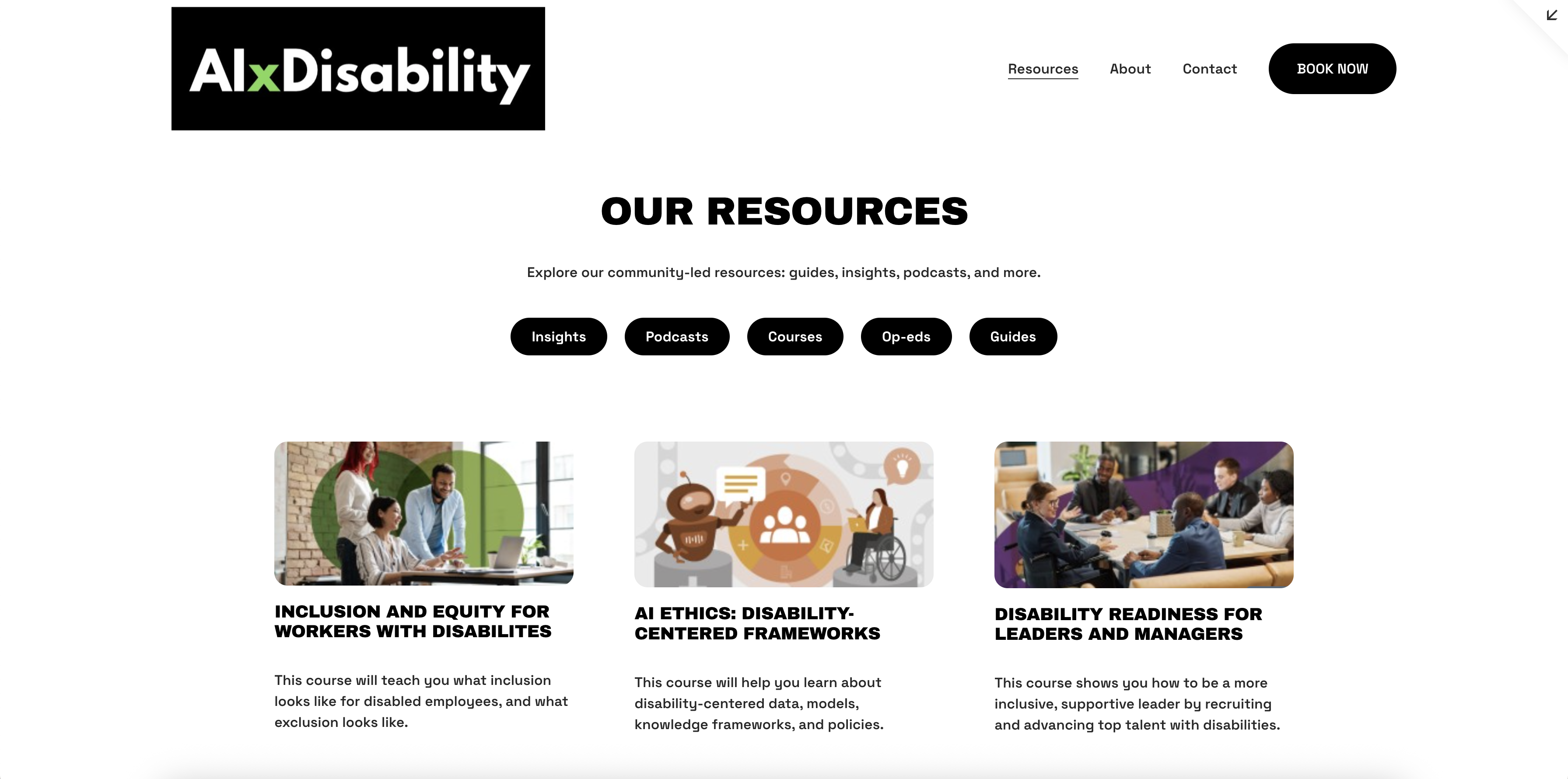
- Resources page buttons were not in a logical tab sequence (WCAG 2.4.3).
- VoiceOver skipped certain headings and buttons on “Our Resources.”
- Top nav button label “About” needed clearer wording (“About Us”).
- An external link was announced as a raw URL instead of descriptive text.
Fixes applied
- Reordered DOM structure for logical keyboard navigation.
- Hand-coded accessible buttons and consistent focus behavior.
- Added semantic roles and improved labels.
- Updated link text to match visible labels; verified sequential reading.
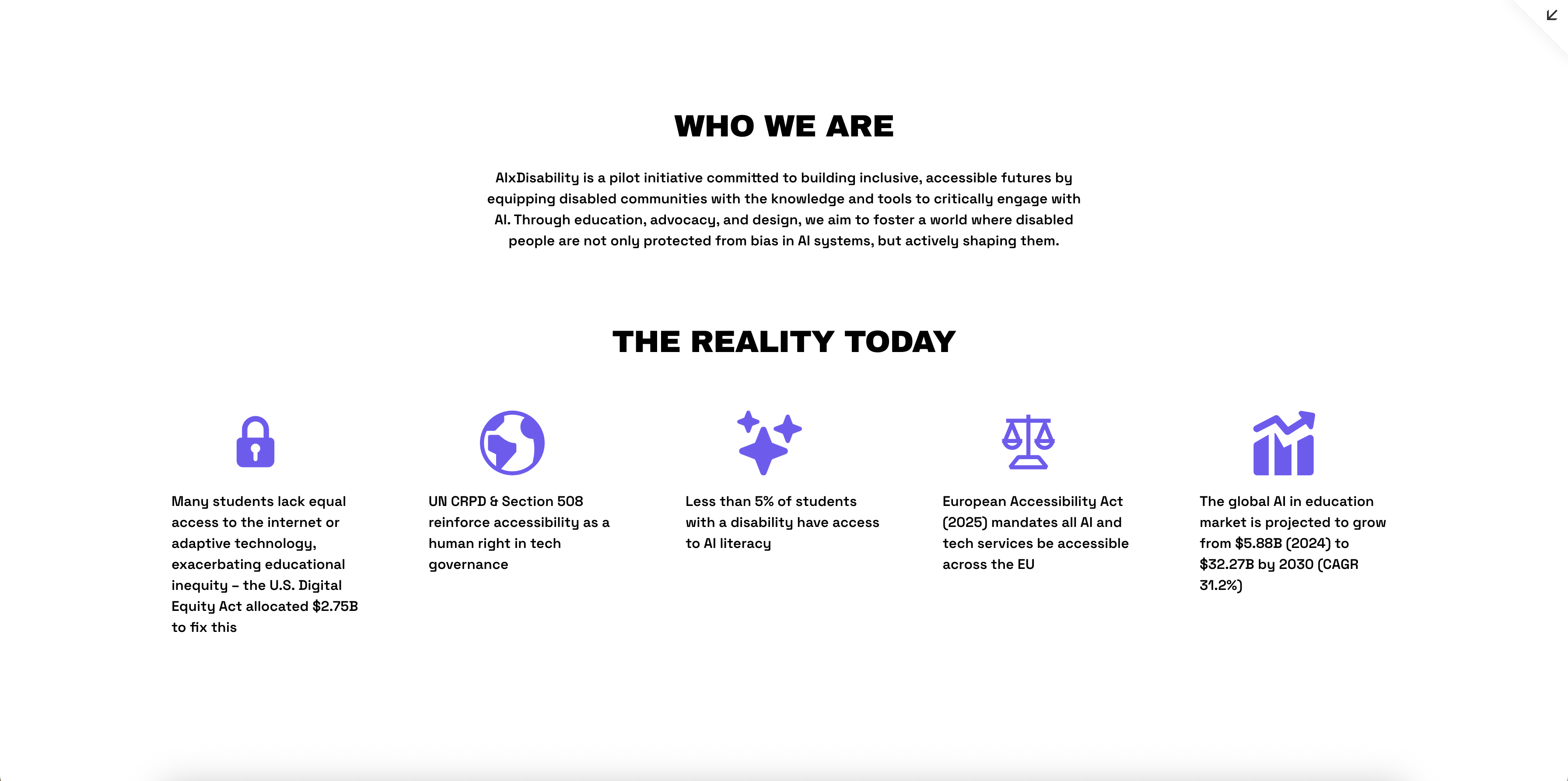
Final screens
What’s next
AIxDisability will continue to grow into a comprehensive inclusive AI learning platform. Next steps include:
- Adding more curated resources, podcasts, and community spotlights
- Launching an educator toolkit for teaching AI in accessible ways
- Expanding testing with a wider range of disabled users and assistive tech